Managing Data with Excel CPE Mini Course
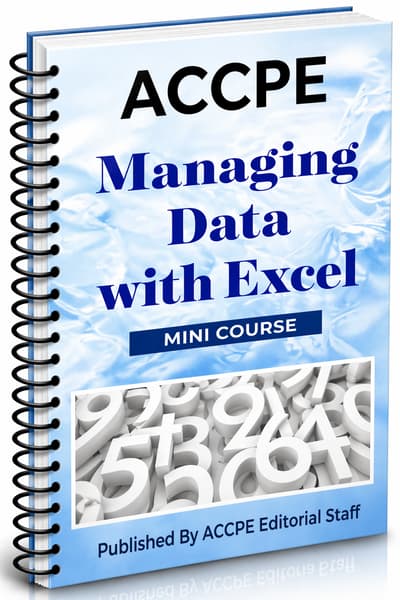
What does Managing Data with Excel cover for CPAs using technology and security controls?
$0.00
Managing Data with Excel helps professionals build practical knowledge in managing data with excel through ACCPE's flexible self-study CPE format.
Course #: 5842026Credit Hour: 5.00
Choose A Course Format:

The American Center for Continuing Professional Education offers affordable self-study CPE for CPAs, enrolled agents, tax preparers and students interested in furthering their education.
Our courses are available in the following formats: Textbook, PDF, and Exam Only. We also offer some On-Demand courses.
Our courses are available in the following formats: Textbook, PDF, and Exam Only. We also offer some On-Demand courses.
Company Information
3207 Wicklow LnClover, South Carolina 29710
(800) 394-6275
info@accpe.com
Monday - Friday 10:00AM - 2:00PM
Sign up and receive the latest tips via email.